

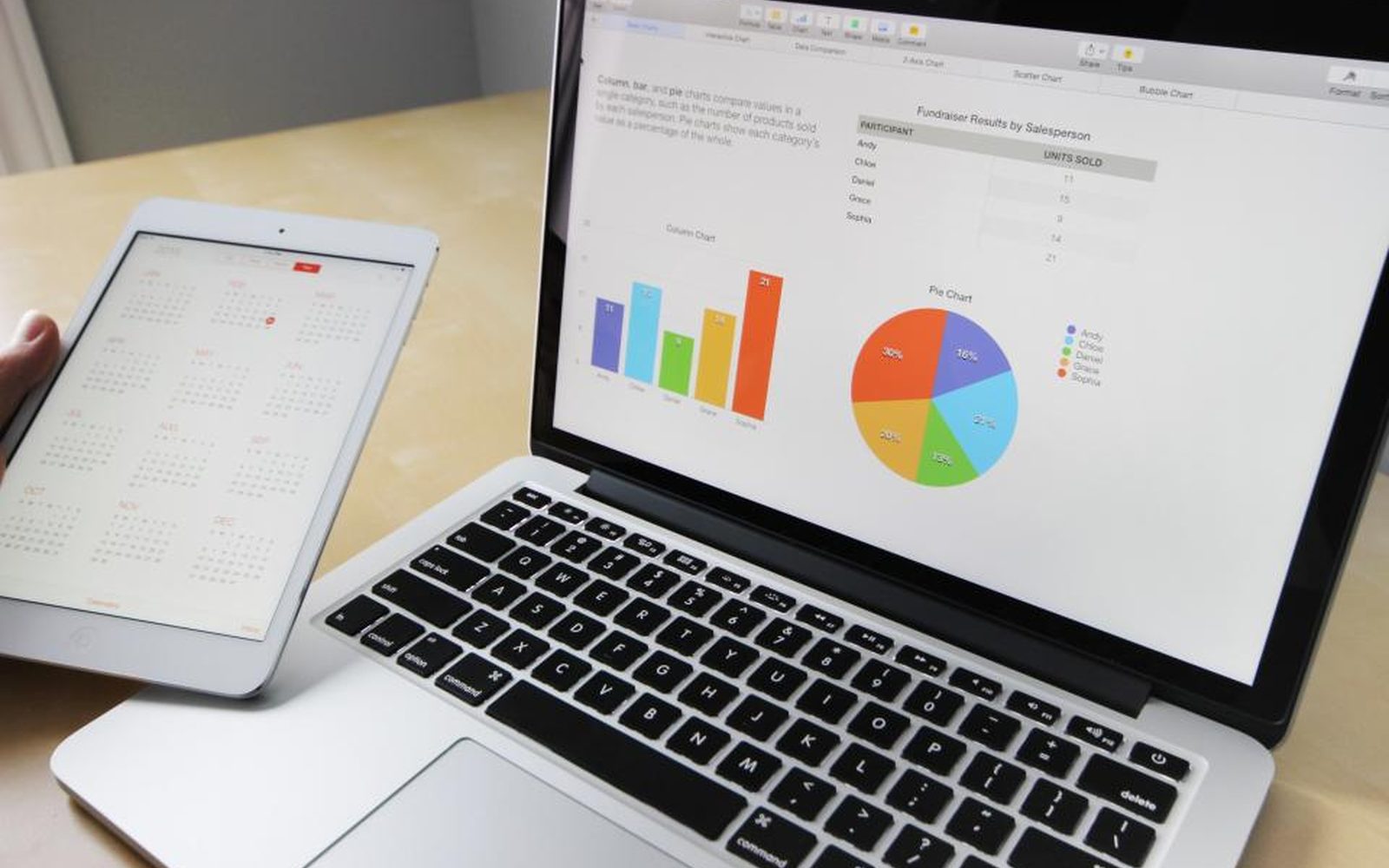
A weekly Shopify report that tells you what sold, what's sitting, and what to do next
Shopify has plenty of numbers. Turning them into a decision each week is the slow part, so many small store owners either skip it or lose a Sunday to spreadsheets. We set up a report that pulls your Shopify sales, stock, and customer numbers each week and adds a short written note on what changed, what's selling, and what's sitting. It lands in your inbox or a shared sheet, ready to read over a coffee. The decisions about what to reorder, mark down, or promote stay with you.
Get your AI Starter Plan
What we set up for you on Shopify
A weekly report that arrives on its own
Your sales, top products, slow movers, and stock levels pulled from Shopify into one short report, on the same day every week.
A plain written note
An AI helper writes a few lines on what changed since last week, so you don't have to work it out from a table.
The numbers you care about
We agree which numbers matter to your store, such as sell-through on a new drop or repeat customers, and leave out the rest.
Odd numbers flagged
A sudden spike, a product at zero stock, or a missing day of sales gets flagged for you to check.
Decisions left with you
The report suggests what to look at. What you reorder, discount, or push is still your call.
You’ve got the numbers, but not the time to read them
Every week you mean to sit down with your Shopify numbers and see what sold, what’s sitting on the shelf, and which product is about to run out. Some weeks you do, and it eats a Sunday afternoon of exporting, sorting, and squinting at columns. Most weeks you don’t, so you find out something sold out when a customer emails to ask.
Why Shopify on its own doesn’t do the job
Shopify’s analytics are good, and the numbers are all there. But they wait for you to log in, pick the right report, and work out what changed. Each report answers one question, and your real question usually needs three of them side by side.
Shopify also doesn’t know what matters to you this week. A new drop, a slow summer line, or a product you’re thinking of dropping all need a different look at the same numbers.
How we set it up on Shopify
We start by asking what you look at when you do sit down with the numbers, and what you wish you’d known sooner. That’s mapping how you work (the industry calls it process mapping), applied to one weekly job.

Then we set up an AI helper (the industry calls it an agent) that pulls those numbers from Shopify each week and builds a short report. The report shows top sellers, slow movers, stock running low, and how this week compares to last. At the top sits a few plain lines on what changed. Anything odd, like a product at zero stock or a day with no sales, gets flagged for you.
The report lands in your inbox or a shared Google Sheet on the same morning every week. You read it, decide what to do, and get on with your day.
When a Shopify report is the right call, and when it isn’t
It pays off when you have enough products and orders that the weekly picture isn’t obvious, and you keep meaning to check the numbers but don’t.
If you sell a handful of products, Shopify’s home screen may tell you all you need. And the report can’t see things Shopify doesn’t know, like a supplier delay or a post that went viral elsewhere. You still bring that knowledge to the decision.
Where to go next
See the wider reports that write themselves service, or read about Shopify. For order emails, see AI helpers for Shopify. See how we work with e-commerce and fashion brands. When you’re ready, get your AI Starter Plan.
Read about our Reports that write themselves service, and how we use Shopify.
Small teams we work with

How a four-person fashion boutique replaced its Sunday stocktake with a report from Square

How a community food relief charity cut its quarterly grant report from a week to about a day

How a four-person social media agency cut 18 monthly client reports from two days to half a day
Common questions
Doesn't Shopify already have reports?
Can it tell me what to reorder?
How accurate is the written note?
Can it include numbers from outside Shopify?
What does it cost?
Get your Sunday back from the spreadsheet
Get your AI Starter Plan. Tell the AI about your store, your goals, and where your week goes, and get a plan for where to start.
Get your AI Starter Plan