

Map how your team really works, using the Asana board you already keep
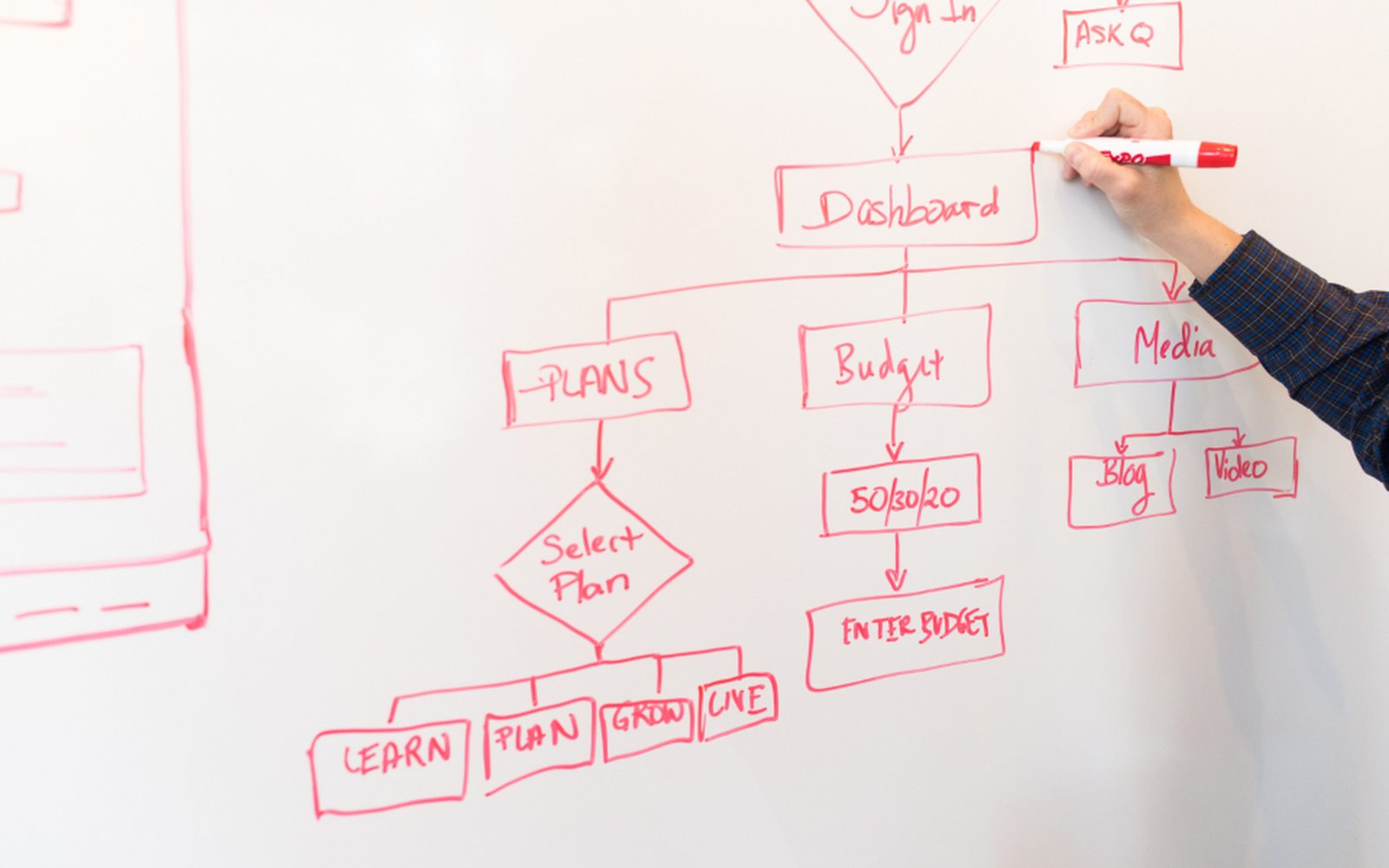
Your Asana board already shows a lot about how your team works: the tasks, who owns them, and what's late. Mapping how you work (the industry calls it process mapping) turns that into a clear picture of the steps that happen every week, including the ones that never made it onto the board. Then we can see which job AI should take first. For a small agency, that's often the client update, the weekly report, or the brief that gets rewritten for every new job.
Get your AI Starter Plan
What we map for you in Asana
The steps behind the board
We walk through a normal week with your team and write down each step, including the ones that happen in email or someone's head instead of Asana.
Where the hours go
A plain list of the jobs that repeat the most and take the longest, so the first AI job is chosen by hours saved.
A tidier board
Small changes to how tasks get named and closed in Asana, so an AI helper can read the board and get it right.
What stays with a person
We mark the steps that need judgement, such as pricing, client conversations, and creative calls, so AI never touches them.
A first job, ready to build
A written description of the first job for an AI helper, ready to set up as the next step.
Your board shows the tasks, but not where the hours go
Your team runs its work in Asana. Every client job has a project, every task has an owner, and you can see what’s late at a glance. But some jobs still eat whole afternoons, like the Friday updates, the monthly report, and the brief that gets rewritten for each new client. You know AI could help, but it’s hard to say which job to start with, or how the AI would know what’s going on.
Why Asana on its own doesn’t map your work
Asana records what your team logs. It doesn’t record the steps around it: the email that kicks a job off, the spreadsheet someone checks before closing a task, or the five minutes of “where is this up to?” in chat. Those steps are part of how you really work, and they’re often where the time goes.
Asana’s own AI can help inside Asana. But if the job reaches into your inbox, your Google Docs, or your client folders, a map is the first step to working out what to set up.
How we map it with Asana
We work with Saltbush Studio, a six-person design agency in Fremantle. The studio sends a status update to each of its twelve retainer clients every Friday, and the director wrote all twelve by hand from the project board. It took most of Friday afternoon.
We mapped how those updates came together. The director opened each client’s project in Asana, read what got done, checked what was next, and wrote it up in Google Workspace. Once that was written down, the job was clear enough for an AI helper (the industry calls it an agent). It now reads the week’s tasks in Asana and drafts one update per client: what got done, what’s next, and what the studio needs from them. The director adds a personal line and sends each one.

The map also showed what to leave out. We tried feeding the team’s Slack chat in as a second source. It picked up jokes and half-made decisions and put them in client drafts, so Slack came out and Asana is the only source. The twelve updates now take under an hour. They still can’t say whether a job is over budget, because hours are tracked in a separate app that isn’t connected yet. Read the Saltbush Studio story.
When mapping in Asana is the right call, and when it isn’t
It works well when your team keeps Asana up to date. A board where tasks get ticked off on time gives the map, and later the AI helper, a true picture of the work.
If half your work happens outside the board, the map will show that, and the first fix may be a habit change rather than any AI. And if your team is one person, a whiteboard and a short call may map your week better than any software.
Where to go next
See the wider mapping how you work service, or read about Asana. Compare mapping in Notion or monday.com. See how we work with marketing and creative agencies. When you’re ready, get your AI Starter Plan.
Read about our Mapping how you work service, and how we use Asana.
Small teams we work with

Common questions
Why map anything before adding AI?
Doesn't Asana already show our process?
Asana has its own AI. Do we need more?
Will you change how we use Asana?
How long does mapping take?
See where your week goes before you build anything
Get your AI Starter Plan. Tell the AI about your business, your goals, and where your week goes, and get a plan for where to start.
Get your AI Starter Plan