

Map your team's real steps from the monday.com boards you already run
monday.com makes it easy to build boards, and that's the trouble. After a year, many small teams have a dozen boards, three status columns that mean the same thing, and automations nobody remembers setting up. Mapping how you work (the industry calls it process mapping) finds the steps that really happen each week and lines your boards up with them. Then the automations you keep, and any AI helper you add later, follow one clear way of working.
Get your AI Starter Plan
What we map for you in monday.com
One clear way through each job
We walk through each regular job with your team and write down the real steps, from the first enquiry to the last invoice.
Boards that match the work
We suggest which boards to merge, which columns to drop, and which statuses to rename, so the board shows the true state of the work.
An audit of your automations
A plain list of the automations already running, what each one does, and which ones clash or are no longer needed.
Where the hours go
The jobs that repeat the most and take the longest, so the first AI job is chosen by hours saved.
What stays with a person
The steps that need judgement are marked, so no automation or AI helper ever touches them.
Your boards grew faster than your process
When you started on monday.com, you built a board for client jobs and it was great. Then came a board for content, one for hiring, one for that event last spring, and a few automations to move items around. Now there are three status columns that mean “waiting on client”, and nobody’s sure which board is the real one. You’d like AI to take some of the weekly work, but first you’d need to know what the work really is.
Why monday.com on its own doesn’t map your work
monday.com is flexible, so it can match almost any way of working. It doesn’t tell you which way is yours. The board shows what people log, and the automations do what someone set them to do months ago. Neither one shows the email that starts a job, the spreadsheet someone checks before closing it, or the steps that changed since the board was built.
monday.com’s own AI features help inside the board. If the job also reaches your inbox, your files, or your accounts, you need a clear map first, so whatever you add follows the right steps.
How we map it with monday.com
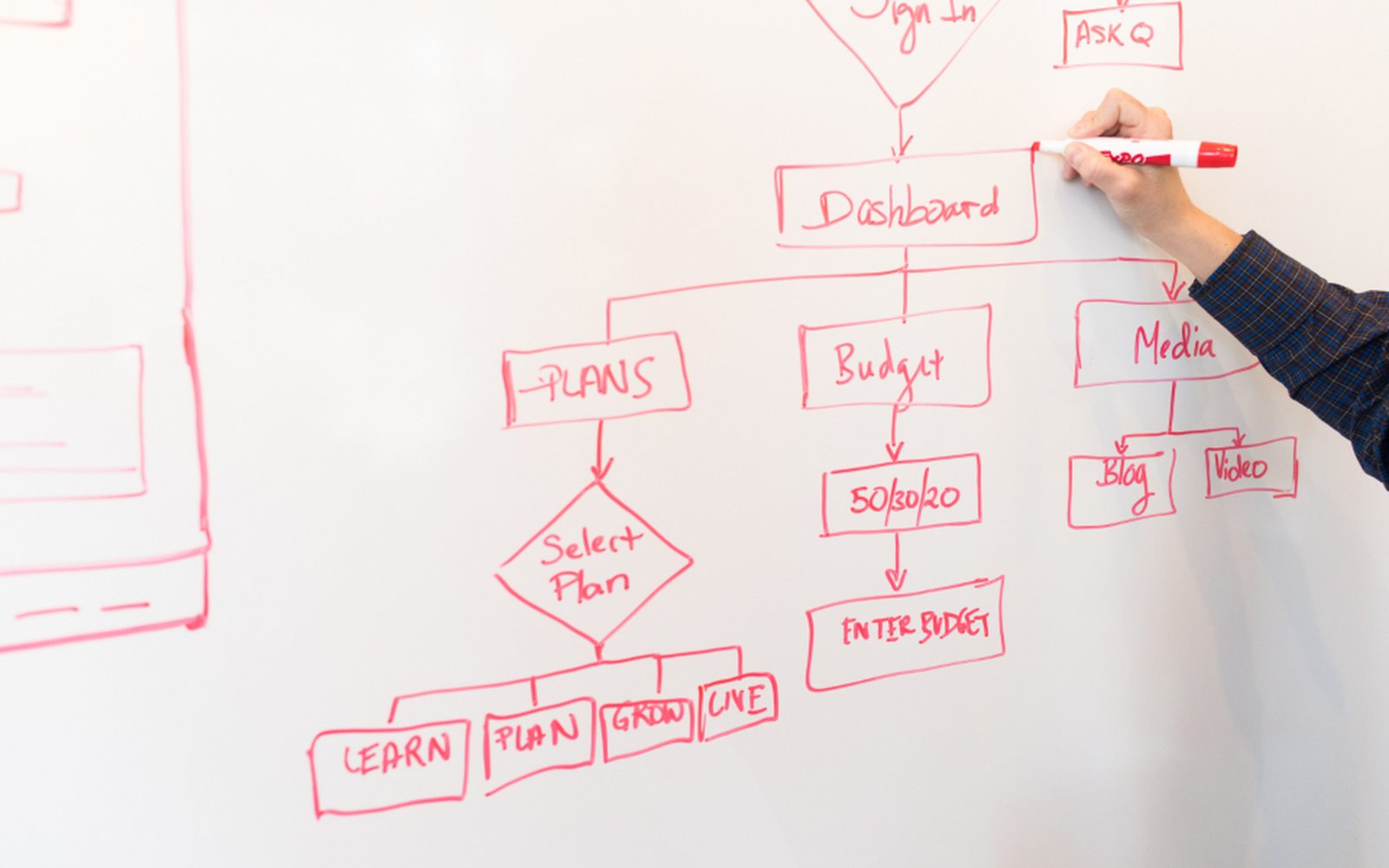
We sit with your team and walk through each regular job from start to finish. For each step we note which board it lives on, which tool gets opened outside monday.com, and where someone has to stop and decide. We also list every automation that’s running and what it does.

Then we put the two side by side. Usually a few boards can merge, a few columns can go, and one or two automations are quietly working against each other. We suggest the changes, and you choose what to keep. The finished map shows the jobs that repeat every week and take the most time. Those become the first candidates for an AI helper (the industry calls it an agent), which can then read a tidy board and get the job right.
When mapping in monday.com is the right call, and when it isn’t
It’s a good fit if your team uses monday.com every day and keeps it fairly up to date. The map makes the boards match the work, and anything built later reads true information.
If the board is mostly abandoned and work happens in email, the map will show that, and the first fix is a habit, not a tool. And for a team of one or two, a simpler list may do the job. We’ll tell you if that’s the case.
Where to go next
See the wider mapping how you work service, or read about monday.com. Compare mapping in Asana or Notion. See how we work with marketing and creative agencies and hospitality and events. When you’re ready, get your AI Starter Plan.
Read about our Mapping how you work service, and how we use monday.com.
Common questions
monday.com already has automations. Why map first?
Does monday.com have AI?
Will you rebuild our boards?
We're a team of three. Is monday.com overkill?
How long does mapping take?
Line your boards up with your real week
Get your AI Starter Plan. Tell the AI about your business, your goals, and where your week goes, and get a plan for where to start.
Get your AI Starter Plan