

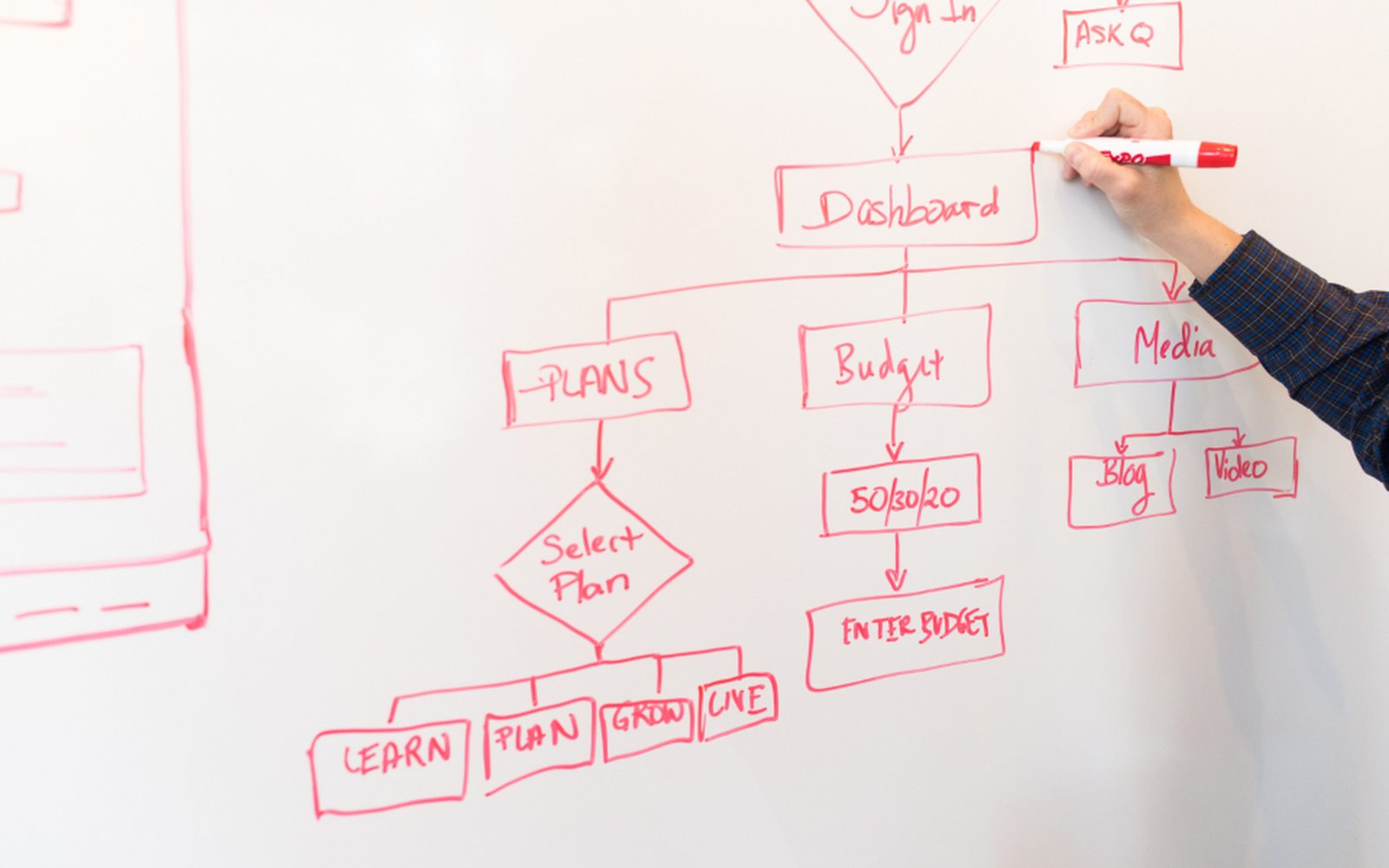
Turn the Notion pages your team half-wrote into a map AI can follow
Lots of small teams start a how-we-do-things page in Notion, then life gets busy and it goes stale. Mapping how you work (the industry calls it process mapping) means sitting with you and writing down the steps that really happen each week, then keeping them in Notion where your team already looks. The map does two jobs. New staff and casuals learn the work faster, and an AI helper can follow the same steps, so it does the job your way instead of guessing.
Get your AI Starter Plan
What we map for you in Notion
The steps that really happen
We walk through a normal week with you and write down each job step by step, including the bits that only live in your head.
Pages your team will use
Short, plain Notion pages for each job, with a checklist and the tools involved, written so a new casual can follow them.
Where the hours go
A short list of the jobs that take the most time each week, so you can see which one AI should take first.
What stays with a person
Each page marks the steps that need judgement, so an AI helper knows where to stop and hand over.
A first job, ready to build
The first job for an AI helper, written up clearly enough to set up as the next step.
The how-we-do-things pages went stale
At some point you opened Notion and started writing down how the business runs. There’s a page for onboarding a client, one for packing orders, and one for the monthly newsletter. Some are great. Most stopped halfway, and a few describe a way of working you dropped a year ago. So when a new casual starts, or when you think about handing a job to AI, the real steps are still in your head.
Why Notion on its own doesn’t map your work
Notion is a good home for written steps. Pages are easy to link, easy to share, and easy for a team to find. It also has AI built in, which can tidy a page or sum up a long one.
But Notion can only hold what someone writes down. It can’t watch how the newsletter really gets made, or notice that the client onboarding page skips the step where you check the invoice went out. That knowledge sits with the people doing the work. Getting it out takes a conversation, not a template.
How we map it in Notion
We sit with you and the people who do each job, and walk through a normal week. We ask what happens first, what happens next, which tool you open, and where you have to stop and decide something. Then we write each job as a short Notion page with a checklist, the tools it touches, and a clear note on the steps that need a person.

The map also shows where the hours go. We look for jobs that repeat every week, follow the same steps, and take more than an hour or so. Those are the first candidates for an AI helper (the industry calls it an agent). Because the steps are already written in Notion, the AI helper can follow your way, and your team can see exactly what it’s meant to do.
We keep the pages short. A page nobody reads is no better than no page, so each one fits on a phone screen or close to it.
When mapping in Notion is the right call, and when it isn’t
It’s a good fit if your team already opens Notion every day. The map lives where they look, so it stays used and up to date.
If your team doesn’t use Notion, don’t start just for this. A map works just as well in Google Docs or a shared folder. And if your work changes every week, mapping comes second. First you’d need a steady way of doing the job, because you can’t hand AI a job that changes shape each time.
Where to go next
See the wider mapping how you work service, or read about Notion. Compare mapping in Asana or monday.com. See how we work with coaching and online education and e-commerce. When you’re ready, get your AI Starter Plan.
Read about our Mapping how you work service, and how we use Notion.
Common questions
We already have Notion pages. Why redo them?
Can Notion AI write our processes for us?
Why does AI need a map?
Do we have to use Notion?
How long does mapping take?
Write down how your week really works
Get your AI Starter Plan. Tell the AI about your business, your goals, and where your week goes, and get a plan for where to start.
Get your AI Starter Plan